
How should a driver report a company car fault?
A quick and correct fault report minimizes risk, speeds up claims handling and protects the interests of the company and the driver. This article gathers mandatory steps and good practices from the moment of the incident to handing the car over to the workshop.
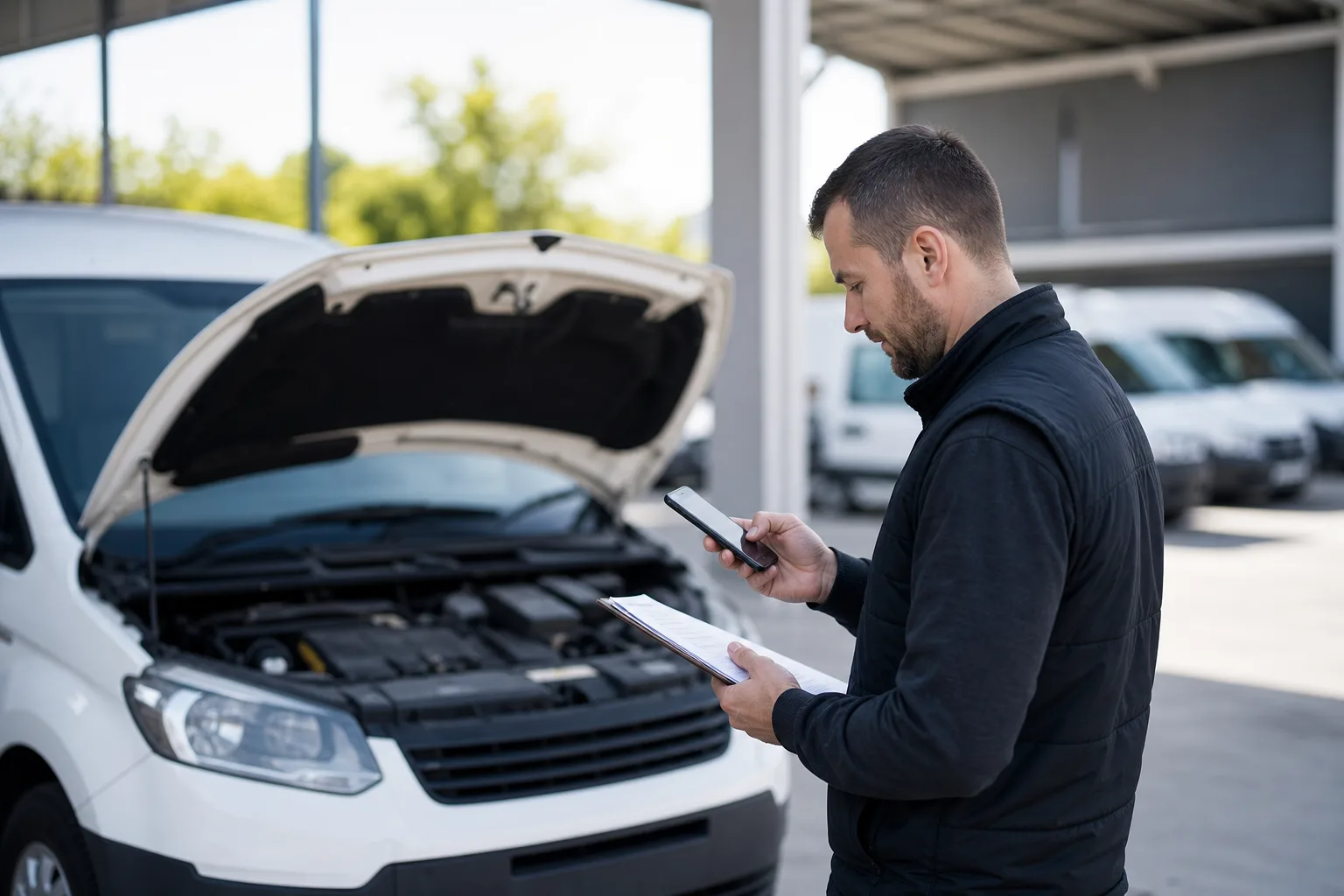
Safety and immediate actions
The most important priority is the safety of the participants and other road users. In the event of a dangerous breakdown or collision secure the scene: turn on the hazard lights, place a warning triangle and - if possible - move the vehicle to a safe location.
If there are injured persons or there is suspicion of a criminal act, immediately call the police and emergency medical services. In situations that threaten life or health, provide first aid according to your competencies and the possibility of acting safely.
- hazard lights + warning triangle
- first aid and call emergency services for injuries
- police for serious incidents or doubts about the circumstances
When to call the police, and when to write a statement
In the case of a minor collision without injuries, participants do not have to call the police - they may prepare a joint statement of the incident if the circumstances are not in doubt. This document speeds up claims handling and is accepted by insurers.
However, you should call the police when there are injured people, there is suspicion of a crime, participants are intoxicated, there are significant discrepancies in the versions of events, or the responsible party cannot be established. On site avoid admitting fault - limit yourself to describing the facts.
- participants’ statement: an alternative to calling the police for minor fender-benders
- call the police: injuries, alcohol, doubtful account of events, crime
- do not admit fault - describe the facts
How to document the incident - what to collect immediately
Accurate documentation is key to efficient claims handling. Take photos of the scene (wide shots and close-ups of damage), the registration number, the VIN plate if available, and the odometer reading.
Record the date, time, exact location (preferably GPS coordinates) and weather conditions. Prepare a short description of how the incident occurred and collect contact details of witnesses and the other participant. If there was a police on-site report - keep a copy of it.
- photos: overall view and damage details
- vehicle data: registration number, VIN (if possible), odometer reading
- location and time: address + GPS coordinates, weather conditions
- people data: participants and witnesses, statements, police report
Notifying the employer and using internal channels
A driver using a company car is obliged to promptly report a fault or collision to the designated employer contact or in accordance with internal regulations. Internal procedures may specify exact deadlines and required information.
Using company channels (fleet app, helpdesk system, telematics) speeds up processing: it allows attaching photos, location and automatic vehicle logs, and triggering repair procedures in line with fleet policy.
- report the fault in accordance with the company’s regulations
- use the fleet app/telematics if provided
- attach documentation (photos, description, location)
Contact with the insurer and assistance - deadlines and documents
Notification of the insurer should be made without delay. Conditions and reporting deadlines (e.g. the requirement to notify within a specified period) are set out in the corporate insurance general terms and conditions - check the fleet policy before further action.
When using assistance services, contacting the provider is often required for towing and repairs to be covered by the policy. Keep all documents: statements, receipts, towing orders and invoices for repairs or a replacement vehicle.
- check the company’s OWU (general terms and conditions of insurance): deadlines and reporting procedures
- contact assistance before towing - required by most policies
- keep originals of documents: receipts, invoices, reports
Handing the vehicle over to the workshop - authorisation and receipts
Follow the fleet policy regarding workshops: companies and insurers often require using an authorized network. Unauthorized, costly repairs carried out without the consent of the company or insurer may not be accepted for reimbursement.
Coordination of the repair is usually handled by the fleet administrator or a dedicated internal service/repair coordinator. When handing the car over to the workshop provide a complete set of documents and obtain a written repair order; keep all receipts and delivery confirmations.
- use workshops designated by the company/insurer
- do not approve expensive repairs without employer consent
- keep the repair order and all invoices
Telematics data, dashcams and personal data protection
Data from telematics systems and recordings from dashcams can be crucial in claims handling. Their processing is, however, subject to personal data protection rules: the employer as the data controller must have a legal basis and fulfil information obligations.
Sharing audio recordings is particularly sensitive and requires additional caution. Before providing materials to the insurer or workshop consult privacy procedures and ensure that the required consent or legal basis is in place.
- telematics and recordings = valuable evidence, but subject to RODO (GDPR)
- the employer must have a basis for processing and inform the data subjects
- limit sharing of audio recordings - check the privacy policy
Summary
Reporting a fault in a company car is a sequence of simple but important steps: securing the scene and health, thorough documentation, prompt notification of the employer and insurer, and following the fleet policy on workshops and data protection. Using established channels (fleet app, helpdesk, assistance) and keeping original documents will shorten claims handling time and reduce the risk of costs not accepted by the company or insurer.
More from the FleetPoint knowledge base
Coolant in vans before winter: planning a check of frost protection
Find out which vans need a pre-frost coolant check, how to interpret the test result and plan visits without unnecessary downtime.
Read article
Lighting checks for a delivery fleet: how to plan inspections and repairs without unnecessary downtime
How to check company van lights, record faults and schedule measurements and repairs without taking several vehicles off the road at once.
Read article
Diesel van will not start after an overnight frost: when to book fuel system diagnostics
Find out what symptoms to report, when to hold a van back from a trip and what the workshop should check in the fuel system.
Read article