
Warning light in a company car - what information should the driver provide?
The driver should immediately gather a few key pieces of information and send a short report. This text shows what to do when a warning light comes on, how to assess the priority, and what evidence to send so the workshop can quickly decide the next step.

What to do immediately after a warning light comes on
Stay calm: stop in a safe place if the situation requires it (roadside hard shoulder, parking area, service station).
Assess the symptoms: is the car losing power, is there smoke, leaking fluids, a smell of burning, or unusual noises. This determines urgency.
If the light is red or signals a critical system (e.g. oil pressure, temperature, brakes) - switch off the engine and call for assistance/towing. Check the exact symbols in the vehicle manual.
- Safely stop and switch off the engine for red warnings.
- Do not continue driving if there is severe loss of power, smoke, or a smell of burning.
- Do not attempt repairs that require a mechanic’s qualifications - limit yourself to safe actions (e.g. turn on hazard lights, place the warning triangle).
How to determine the priority of the report (practical scale)
A simple scale will help the driver and administrator quickly decide the next steps. Use a four-level division: Urgent, High, Medium, Low.
Determine priority based on the color of the warning light and accompanying symptoms, not only the lamp illumination itself.
- Urgent - immediate: flashing engine warning light (sign of ignition interruption and risk of catalytic converter damage), red warnings (oil, temperature, brakes), smoke, fluid leaks, loss of brakes.
- High - avoid long trips: steady engine warning light with degraded performance (e.g. loss of power), irregular engine operation without immediate danger.
- Medium - schedule for the next available service: illuminated warning light without noticeable symptoms other than the lamp.
- Low - monitor: minor signals, no symptoms, report at the next scheduled inspection.
What to collect before sending the report - list of mandatory evidence
The more useful information the driver sends immediately, the faster the administrator or workshop can decide. Focus on a few specific items.
Do not delete or reset fault memory (DTC codes) before taking photos/exporting data - you will lose useful diagnostic information.
- Vehicle ID: registration number and any internal fleet ID.
- Odometer reading (mileage) and the exact time and date of the event.
- Location/GPS of where the vehicle stopped.
- A photo of the dashboard showing the lit warning light and the odometer (at least one).
- Photos of the scene (if safe) - e.g. damage, fluid leaks, smoke.
- A short description of the symptoms: e.g. ‘flashing engine warning light, visible engine misfire’, ‘steady check engine light, loss of power’.
- Information on whether the vehicle can be driven safely and the proposed priority according to the scale.
- A copy/screenshot of DTC codes (if available) and whether the telematics device automatically transmitted the errors.
DTC codes and diagnostic data - what matters for the workshop
DTC codes (diagnostic trouble codes) give the mechanic a concrete starting point. They can be read via the OBD‑II port (usually under the steering wheel) with a simple reader or via a telematics device.
Data such as the ‘freeze‑frame’ (a snapshot of the conditions when the error was recorded) and the status of OBD monitors help recreate the situation - therefore do not clear codes before export.
- If you have an OBD‑II reader: save the code(s) and take a photo of the app screen or the printout.
- If the fleet has telematics: check whether codes and location were automatically sent to the fleet portal.
- Include information on whether the vehicle entered limp mode (reduced power) or torque control.
- If you cannot read the codes, provide photos of the dashboard and as detailed a symptom description as possible - this also helps.
How to send the report - quick message templates
A good report is short, contains the priority and the most important evidence. Below are ready phrases for SMS/email/app that the driver can send in seconds.
Keep it simple: priority, vehicle ID, mileage, description, location, attachment (photo).
- Urgent (SMS): URGENT | REG: ABC123 | MILEAGE: 142300 km | Flashing engine light, engine misfiring, smoke/leak? NO | LOC: ul. Grunwaldzka 10, Gdańsk | PHOTO: dashboard
- High (SMS/email): HIGH | REG: ABC123 | MILEAGE: 142300 km | Steady engine warning light, power loss at higher revs | LOC: 54.3500,18.6667 | PHOTO: dashboard + exterior
- Medium (app): MEDIUM | REG: ABC123 | MILEAGE: 142300 km | Check engine is on, no other symptoms. Schedule service within 3 days. PHOTO: dashboard
- Template to workshop (email): Priority: [Urgent/High/Medium/Low] Vehicle: [REG / Fleet ID] Mileage: [km] Date and time: [DD.MM.YYYY HH:MM] Description: [e.g. ‘flashing engine warning light, engine misfires’] Attachments: dashboard photo (required), photo of scene, DTC code (if available) Can the vehicle be driven: [Yes/No/To base]
Safety and legal obligations
The driver should not carry out repairs for which they are not qualified. Limit actions to safe measures: switching off the ignition, using the warning triangle, calling for assistance.
For vehicles used as commercial motor vehicles (CMV) additional reporting requirements apply (Driver Vehicle Inspection Report - DVIR). The carrier must repair defects affecting safe operation before allowing further use.
- Always check the owner’s manual for the specific model - symbols and manufacturer recommendations may differ.
- Do not clear errors or reset the control unit before taking photos/exporting diagnostic data.
- In situations that threaten safety - call roadside assistance or arrange towing.
Good practices for the fleet administrator
Establish a simple reporting process: preferred channel (SMS/email/app), minimum required data and a contact person on the receiving end. A simple form helps the driver send complete information in 60-90 seconds.
It’s worth integrating automatic alerts from telematics (if available) with the service process - this allows faster reaction to DTC codes and planning of service visits.
- Prepare a short instruction for drivers with a list of data to send and example templates.
- Provide a simple way to store materials (photos, codes) linked to the specific vehicle.
- Consider arranging an emergency procedure (towing, replacement vehicle) for Urgent/High priority.
Summary
A quick, structured report from the driver significantly speeds up diagnosis and the workshop’s decision. Key points: assess safety, collect basic evidence (dashboard photo, mileage, location, DTC codes if available), assign a priority and send a short message. For the fleet, keep ready templates and a clear reporting channel, and where possible - integrate automatic alerts with the service system.
More from the FleetPoint knowledge base
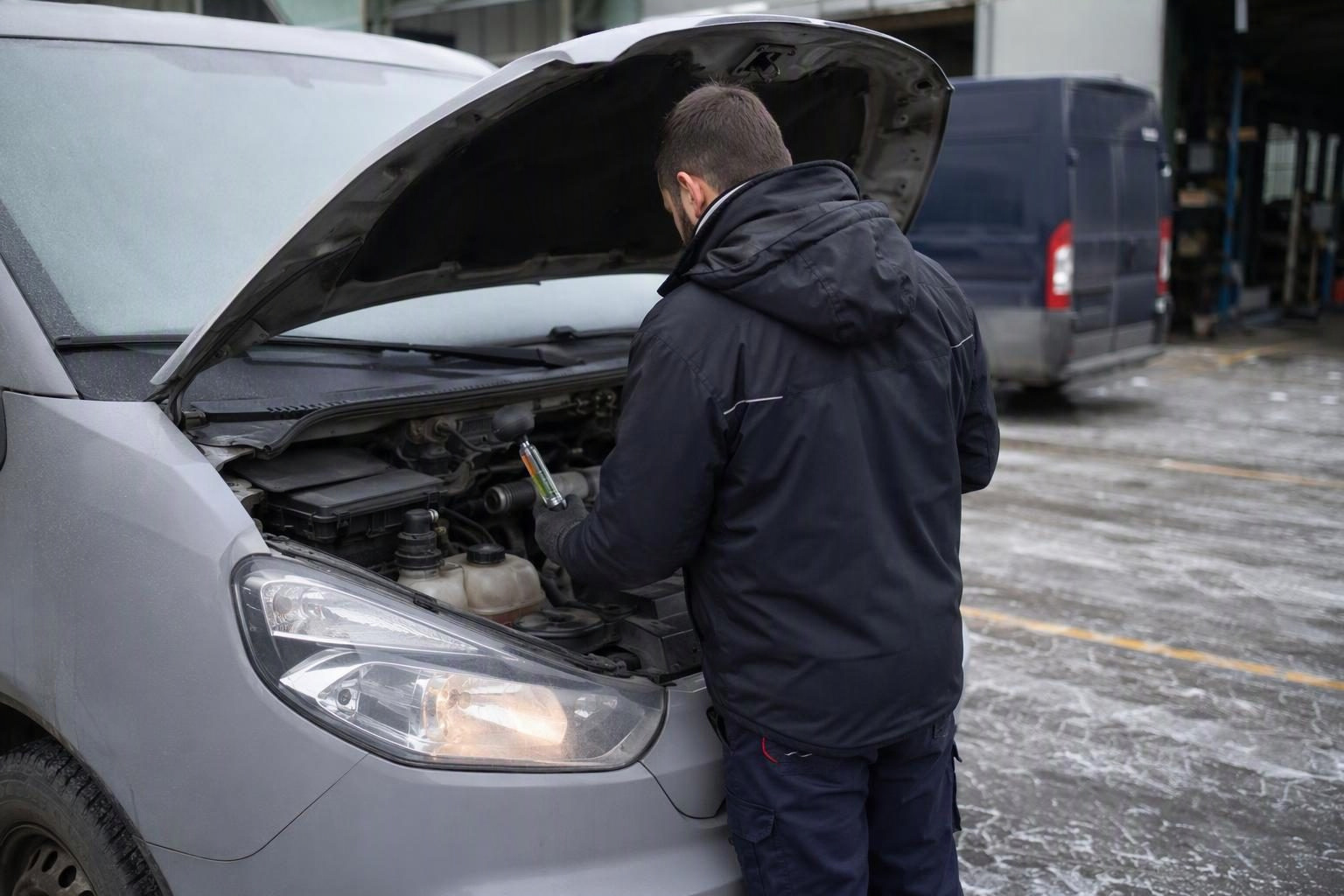
Coolant in vans before winter: planning a check of frost protection
Find out which vans need a pre-frost coolant check, how to interpret the test result and plan visits without unnecessary downtime.
Read article
Lighting checks for a delivery fleet: how to plan inspections and repairs without unnecessary downtime
How to check company van lights, record faults and schedule measurements and repairs without taking several vehicles off the road at once.
Read article
Diesel van will not start after an overnight frost: when to book fuel system diagnostics
Find out what symptoms to report, when to hold a van back from a trip and what the workshop should check in the fuel system.
Read article