
Mercedes Sprinter in the fleet - how to collect driver reports before service?
A good report from the driver means shorter diagnostics and less downtime. We will cover the specific report fields, the data worth fetching automatically (Mercedes PRO / OBD), the most common Sprinter faults and practical preparatory steps for the workshop.

Why a good report matters
Every imprecise or incomplete report prolongs diagnostics and increases the risk that the vehicle will need to return to the workshop. In Sprinters, where some operations require dealer tools (XENTRY/STAR), correct input data helps decide whether the repair can be done immediately or should be sent to an authorized service.
A well-organized reporting process also allows spare parts to be prepared earlier and the job priority to be set - especially for faults related to DPF, AdBlue or electronics, which are common in Sprinter fleets.
- Less downtime thanks to parts preparation
- Shorter diagnostics - the mechanic receives context and logs
- Lower risk of mistakes with complex electronic systems
What the driver should report manually before the visit
A standard, short report from the driver should be standardized and easy to fill in on a phone (mobile form/QR). Focus on facts and reproducibility of the symptom.
We recommend making some fields mandatory and providing optional places for photos/videos - this clearly reduces misunderstandings when receiving the vehicle.
- VIN (photo of the registration document or VIN sticker)
- Vehicle mileage (reading from the odometer)
- Short description of the symptom: when it occurs (e.g. at start-up, during acceleration, when braking), steps to reproduce
- List of warning lights active at start-up (photo of the dash) and their messages
- Information about the load and vehicle access (location, gate code, pickup hours)
- Driver contact and availability when handing over the vehicle
- Photos of external and internal damage, photo of the license plate
Data worth collecting automatically (telematics / OBD)
Automatically supplying the workshop with data reduces manual errors. In newer Sprinters many parameters are available via Mercedes PRO (Mercedes PRO connect) - integration with the portal enables sending position, statuses and service alerts.
When Mercedes PRO is not available, basic logs can be downloaded via OBD/external telematics. Establish a privacy policy and obtain driver consent before sharing data.
- VIN and current mileage (automatic readings)
- Recorded fault codes (DTC) and their timestamps
- AdBlue level and history of DPF regeneration
- Recent power reduction events / limp modes
- GPS position and recent routes (helpful for load/usage analysis)
- Fluid levels and service alarms generated by Mercedes PRO
Most common Sprinter faults and parts worth keeping on hand
Recurring problems appear in Sprinter fleets - knowing them allows you to stock consumable parts and plan orders before the vehicle is accepted into the workshop.
We do not provide fixed lists for every VIN; treat the items below as trends to monitor in your fleet and adjust parts orders to the age and configuration of your vehicles.
- Exhaust aftertreatment: DPFs, NOx sensors, AdBlue pumps (failures and leaks are common)
- Sensors and electricals: control modules susceptible to corrosion/flooding, wiring, fuses
- Injectors and fuel system - especially in diesel engines
- Consumables: brake pads/rotors, suspension components, sealing elements of body conversions
How to prepare the vehicle and the workshop before acceptance
Preparation is not only physical clearing of the load and documents. Sending diagnostic data to the workshop before arrival significantly shortens intake time and allows setting the job priority.
Make sure the workshop has information about the need to use dealer tools (XENTRY) - if the operation requires resetting adaptations or reading special parameters, referral to an authorized service may be necessary.
- Remove or secure valuable and hazardous cargo; document existing damage with photos signed by the driver
- Provide the workshop with: the DTC file, symptom description, photos, information about unusual conversions (generators, LPG, refrigerated units)
- Clear procedure point: “do not clear fault codes / do not reset adaptations” before agreeing on the diagnosis
- Inform about restrictions on vehicle access or the need for the driver to be present during handover
Intake form - fields that streamline work
A simple, standardized mobile form (QR/APP) with mandatory fields and the ability to attach photos reduces disputes and errors during vehicle intake. In practice, a tablet- or app-based form simplifies reception and passing context to the service.
Implementing such a form in the fleet yields better communication with workshops and reduces the number of follow-up visits.
- Date and time of report, GPS location
- Photos of VIN and license plate
- List of active warning lights + photo (dash)
- DTC file (if available) and a short description of steps to reproduce the fault
- Driver contact and preferred pickup time window
Summary
Implementing a standardized report that combines manual driver fields with telematics data significantly reduces diagnostic time and the risk of underdiagnosing faults in Sprinters. Ensure consent for data sharing, instruct drivers what to report and send DTC records to the workshop before intake. If the repair requires dealer tools (XENTRY), schedule a visit to an authorized service or coordinate transporting the vehicle - this will shorten total downtime. Need to implement a reporting form or coordinate Sprinter repairs in your fleet? Check the Sprinter service and repair coordination offers: /serwis-mercedes-sprinter-gdansk/, /koordynacja-napraw/, /obsluga-flot/.
More from the FleetPoint knowledge base
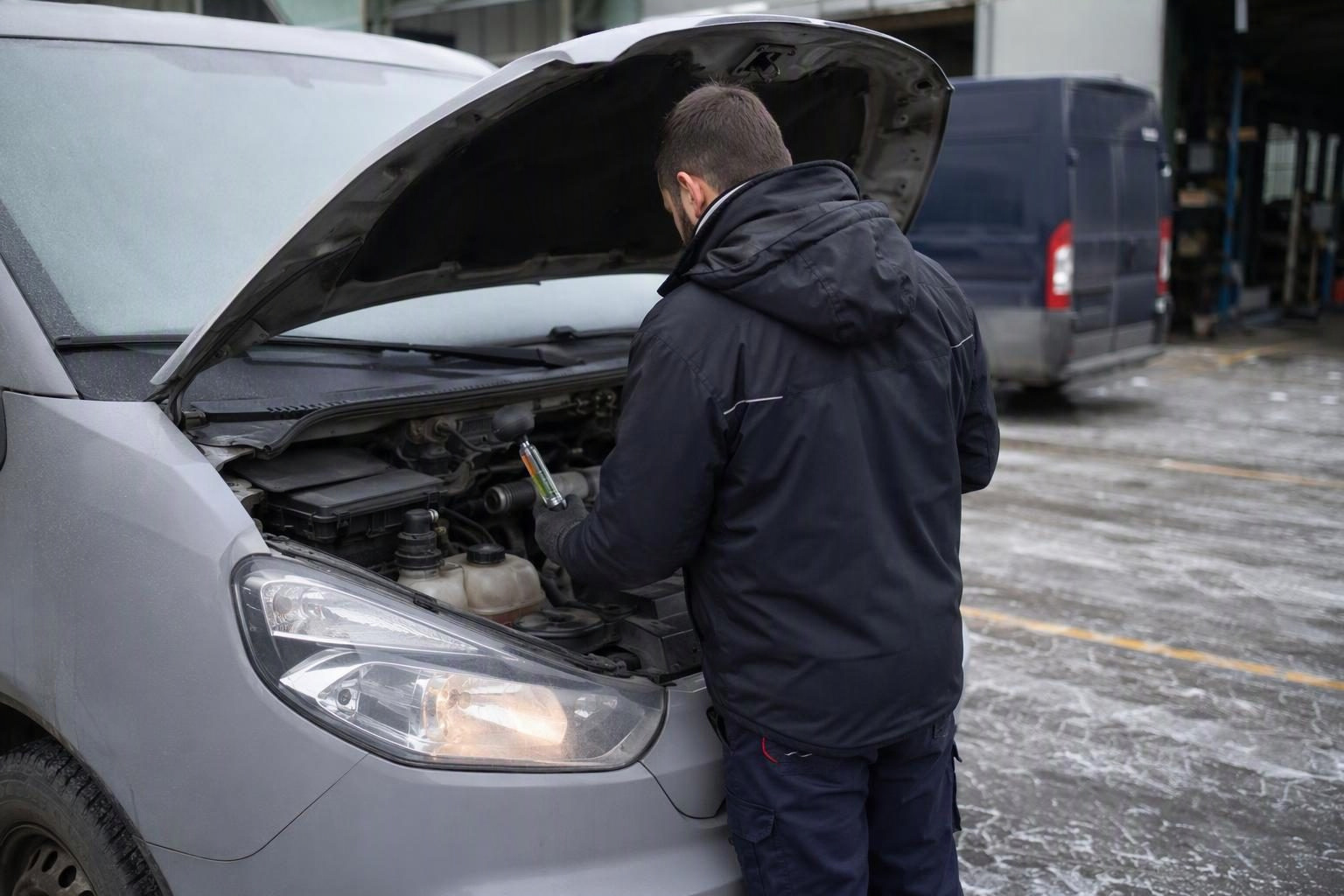
Coolant in vans before winter: planning a check of frost protection
Find out which vans need a pre-frost coolant check, how to interpret the test result and plan visits without unnecessary downtime.
Read article
Lighting checks for a delivery fleet: how to plan inspections and repairs without unnecessary downtime
How to check company van lights, record faults and schedule measurements and repairs without taking several vehicles off the road at once.
Read article
Diesel van will not start after an overnight frost: when to book fuel system diagnostics
Find out what symptoms to report, when to hold a van back from a trip and what the workshop should check in the fuel system.
Read article