
Company Car Recalls: How to Check Vehicles by VIN and Schedule Service Visits
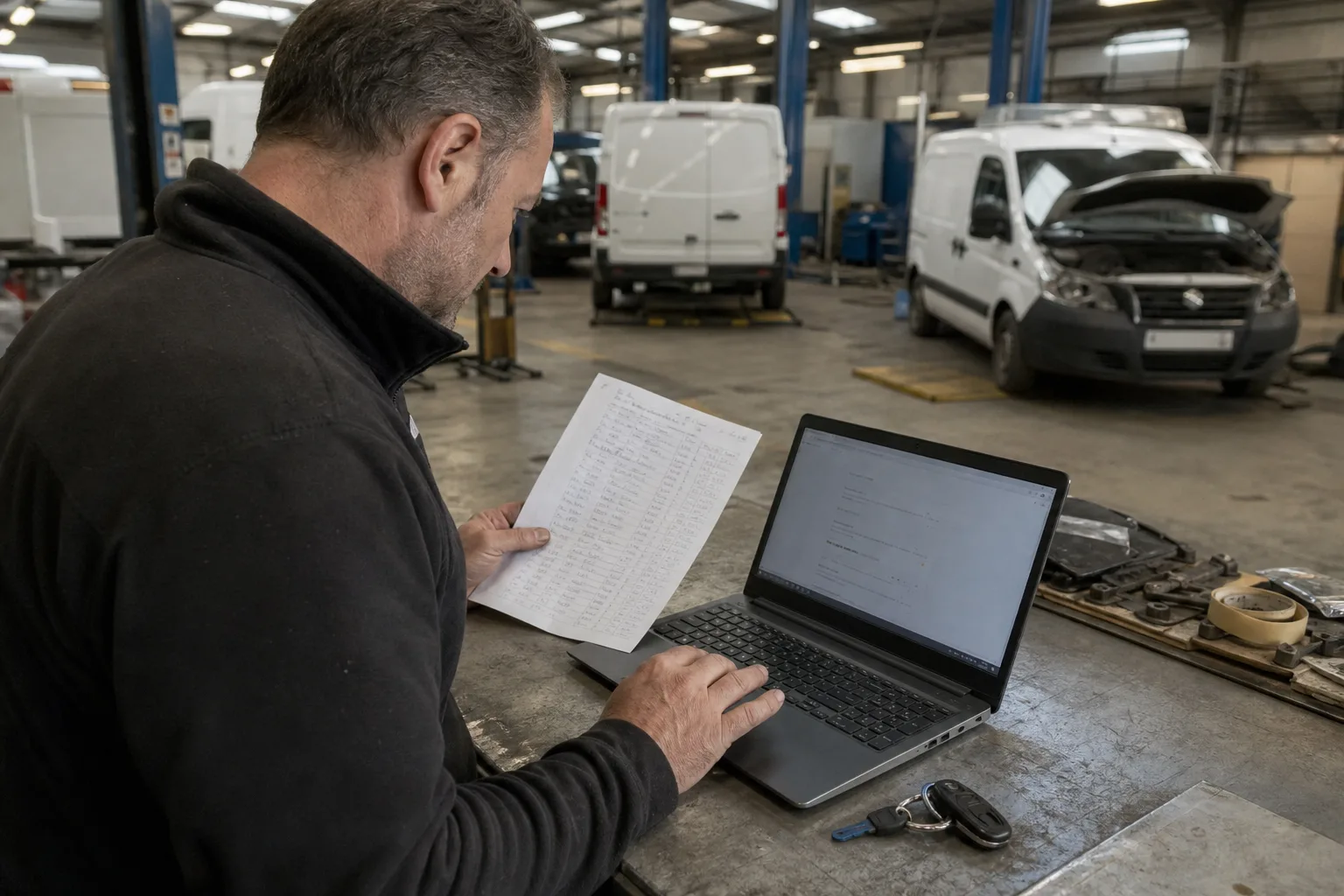
The most reliable approach is to check every VIN using the manufacturer’s tool, then confirm the result with an authorized service center. UOKiK (the Polish Office of Competition and Consumer Protection) and the EU Safety Gate help you find public safety notices, but they do not confirm whether a repair has been completed on a specific vehicle. If you manage a fleet of several or dozens of vehicles, keep a single register. Check each vehicle when it joins the fleet, review the register quarterly as an internal practice, and verify the vehicle again after receiving a campaign notice. Schedule repairs after confirming the level of urgency, parts availability, and expected downtime.
What to check and where to find information
A recall may concern a defect that affects safety, but manufacturers also run service campaigns to address other issues. Do not assume that every campaign carries the same level of risk or that all repairs can be postponed. Find out how the manufacturer classifies the specific campaign and what guidance applies to the vehicle.
Start with the manufacturer’s service campaign checker. For example, Ford provides a Polish-language search tool, and Mercedes-Benz has a tool for vans. The scope and presentation of results vary by brand. If you find information about a campaign, contact an authorized service center and ask it to confirm the status of the specific VIN.
UOKiK (the Polish Office of Competition and Consumer Protection) publishes notices about dangerous products, sometimes with a list of VINs covered by the action. Safety Gate, the EU alert system, can also help you identify reported hazards. These are sources of public notices, not complete records of repairs for every individual vehicle. The Vehicle History service on gov.pl is also not intended for checking open manufacturer campaigns.
- Have the 17-character VIN ready. It appears in field E of the vehicle documents and can also be read from the vehicle’s markings.
- Check the VIN using the tool for the relevant brand, not just by model, year of manufacture, or registration number.
- Record the date, source, and result of the check. No result does not confirm that the vehicle has no open campaign.
Fleet procedure: from a VIN list to repair confirmation
Do not check vehicles only when they happen to visit a workshop. Assign a responsible person and keep a single register for the entire fleet. Check each vehicle when it joins the fleet, then review the register quarterly. This is a suggested internal checking schedule, not a legal requirement. Follow up immediately after receiving a campaign notice, without waiting for the next register review.
- Step 1. Collect the VIN, make, model, registration number, location, and assigned driver for each vehicle. Check that the VIN matches the vehicle documents.
- Step 2. Enter each VIN into the manufacturer’s checker. Record the date and result, including when the tool shows no open campaign.
- Step 3. If a campaign appears, contact an authorized service center. Ask for the campaign number, completion status, scope of work, and guidance on continued use or transport of the vehicle.
- Step 4. Confirm parts availability, expected downtime, and possible appointment dates. Ask whether the vehicle must be left at the service center and whether a replacement vehicle is available in this case. Do not assume one is automatically provided.
- Step 5. Schedule visits according to urgency, brand, and location. After the repair, record the completion date and keep the service confirmation.
What to do if the result is unclear or the vehicle was imported
If the vehicle was imported, changed owners, or was registered in another market, do not treat a “no campaigns” message from a public search tool as the final answer. Give the VIN to an authorized service center for the brand and ask it to check the manufacturer’s system. A public notice may cover a specific batch of vehicles, and the sales market may affect how the result is displayed.
Ask the service center for a clear answer: is the campaign open, has it already been completed, what does it concern, and what guidance applies until the repair is done? Record the date of the conversation, the service center’s name, and the arrangements made. If possible, ask for confirmation in a message or document.
EU rules provide for corrective action when a vehicle poses a serious risk. This does not mean that the fleet administrator should assess independently whether a specific vehicle can be driven. Base operational decisions on the manufacturer’s or service center’s instructions for the campaign in question.
- If the notice identifies a safety risk, do not give the driver general approval to continue driving.
- Ask the service center directly whether the vehicle can be driven to the workshop, must be taken out of service, and how transport should be arranged.
- If information from UOKiK or Safety Gate does not match the result from the search tool, ask the service center to verify the status rather than closing the matter yourself.
How to schedule visits and reduce downtime
Unnecessary downtime most often occurs when a vehicle arrives at a service center without confirmation of the work required and parts availability. Before booking, provide the VIN and campaign number, then find out whether the service center has the required parts, how long the repair may take, and whether the vehicle must be left for a full day or longer. Timing depends on the specific campaign, so there is no single schedule that applies to all vehicles.
Schedule vehicles first if the manufacturer or service center has specified urgent restrictions on use. Group the remaining visits by brand and location, but do not postpone them without agreeing on a date. For vans, arrange visits outside the busiest working hours if the service center can offer such a time. Also decide who will deliver the vehicle and who will collect it after the repair.
- Give the service center the VIN, mileage, vehicle location, availability, and campaign number, if known.
- Confirm the expected downtime, repair date, and how completion of the repair will be confirmed as separate details.
- Check the terms for a replacement vehicle in your fleet agreement or directly with the service center. Do not treat one as an automatic part of the campaign.
- Allow buffer time in the driver’s work schedule if the appointment or parts availability has not yet been confirmed.
A register that lets you close the case
A single shared spreadsheet is sufficient as long as it is kept up to date and has an assigned owner. Each row should cover one vehicle. Close a case only after receiving confirmation from the manufacturer or an authorized service center that there is no open campaign for the VIN, or after recording confirmation that the repair has been completed. No result in a public search tool is not enough.
- Vehicle details: VIN, make, model, registration number, location.
- Check details: date, source, result, campaign number, and person who performed the check.
- Follow-up: driving guidance, date of contact with the service center, agreed appointment, and expected downtime.
- Closure: case status, completion date or confirmation that there is no open campaign, service center name, and supporting document.
Common fleet administrator mistakes
A common mistake is checking only the newest vehicles or those whose drivers have reported a problem. Campaigns may also affect vehicles with no symptoms, so check every VIN. Another mistake is assuming that no information in a public database means there is no open campaign. Public alerts help identify issues, but they do not replace individual confirmation from the manufacturer.
Do not book several vehicles for the same day before confirming the service center’s capacity. Also, do not give drivers a general instruction such as “you can keep driving until the appointment.” Guidance can vary between campaigns and vehicles. It is useful to track the percentage of VINs checked, the number of open campaigns with an appointment scheduled, and the number of days between identifying a campaign and the service visit. These are internal monitoring metrics, not statutory standards.
- Do not treat a registration number check as a substitute for VIN verification.
- Do not consider a case closed without confirmation that the campaign is open or that the repair has been completed.
- Do not promise the driver a specific repair time or a replacement vehicle until the service center has confirmed it.
Summary
Start by exporting the current VIN list from your fleet records and assigning someone to record the results and service confirmations. Immediately refer any vehicles whose status could not be determined clearly for further verification.
More from the FleetPoint knowledge base
Coolant in vans before winter: planning a check of frost protection
Find out which vans need a pre-frost coolant check, how to interpret the test result and plan visits without unnecessary downtime.
Read article
Lighting checks for a delivery fleet: how to plan inspections and repairs without unnecessary downtime
How to check company van lights, record faults and schedule measurements and repairs without taking several vehicles off the road at once.
Read article
Diesel van will not start after an overnight frost: when to book fuel system diagnostics
Find out what symptoms to report, when to hold a van back from a trip and what the workshop should check in the fuel system.
Read article